
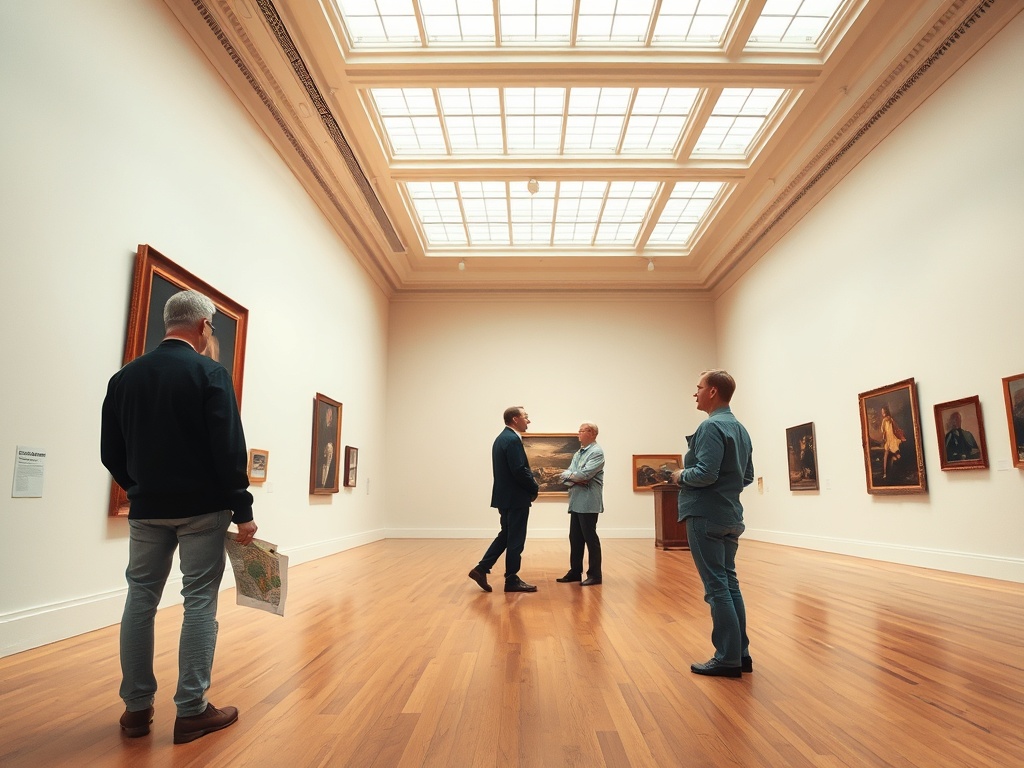
A museum map is a planning tool, not a checklist — using it well means deciding in advance what you are actually there to see, rather than following the arrows until you run out of energy.
TL;DR — Key Takeaways
- Museum maps vary widely in quality; some omit temporary exhibitions or have outdated layouts.
- Identify your two or three must-see works or galleries before entering.
- Plan your route around energy levels: most visitors tire in 60–90 minutes.
- Leave time for discovery — over-scheduling a museum visit often backfires.
Why Museum Maps Are Harder to Read Than They Look
A museum floor plan is a compressed representation of a complex physical space. Most maps use simplified room shapes, numbered galleries, and abbreviated labels that assume familiarity with the collection. A first-time visitor to a large encyclopedic museum — the Smithsonian, the Met, the British Museum — looking at the map may see dozens of named wings and still have no idea where to begin.
The map also rarely shows what is currently on view. Major museums rotate their permanent collections, and temporary exhibitions occupy gallery spaces that the map may label with a generic designation. Before you arrive, check the museum’s website for the current gallery guide — this is often a separate, more useful document than the paper map at the front desk.
Step 1: Identify Your Priorities Before You Enter
The single most useful thing you can do before arriving at a museum is decide what you most want to see. Pick two or three works, galleries, or themes — not fifteen. This creates a navigational anchor: even if everything else is confusing, you know where you are heading.
Most major museums publish searchable online collections that let you find specific works and see which gallery they are currently installed in. The Metropolitan museum of art’s collection search is one well-built example. Use the collection search before your visit to note gallery numbers for your priority works.
Step 2: Orient Yourself at the Entrance
Once inside, find a physical map or download the museum’s app. Most large museums have both. Before moving toward any gallery, spend two minutes locating: the main entrance (where you are now), the exit you plan to use, restroom locations, and the approximate position of your priority galleries.
Many museums have a central atrium or grand hall that serves as a navigational hub. Find this on the map — it will be the space you return to when you are lost or need to reorient. For more on planning a full museum visit with intention, this guide to navigating large museums without burnout covers the broader visit framework.

Step 3: Plan Your Route Around Energy, Not Completeness
Museum fatigue is real. Research on visitor behavior — including studies from museum studies programs — consistently finds that visitors tire cognitively and physically within 60 to 90 minutes, even if they stay longer. After that, they move faster, look less carefully, and retain less.
The practical implication: visit your highest-priority galleries first, when your attention is fresh. Do not try to complete the museum chronologically or by floor. If the most important gallery to you is on the fourth floor, go there first.
- Enter and pick up a map or app.
- Identify your priority galleries and note their numbers/locations.
- Plot a route from the entrance to priority gallery 1, then to 2, then to 3.
- After visiting priorities, decide if you have energy to explore further.
- Leave 15–20 minutes before closing for a comfortable exit.
Understanding Map Symbols and Labels
Museum maps use shorthand that is not always explained. Common conventions include: numbers for gallery rooms (Gallery 101, Gallery 210), wings labeled by collection type (Egyptian Antiquities, Impressionism, Modern and Contemporary), floor indicators (G for ground, 1 for first floor above ground — which in the UK means second floor for American visitors), and icons for amenities.
When a gallery is marked as temporarily closed or not labeled with content, check with a staff member rather than assuming. Rotating works, conservation work, and loan periods create gaps between what the map shows and what is actually available.
Using the Museum App
Many major museums now offer audio guide apps that overlay tour routes onto an interactive map. Apps like Bloomberg Connects (used by institutions including the Guggenheim and several major art museums) provide audio guides, curator commentary, and current gallery layouts in a format more useful than a paper map. Check whether your target museum has one before visiting — many are free. For a broader guide to museum visit planning, the live event schedule planning guide on this site applies similar prioritization logic to multi-venue events.
When to Stop Following the Map
The best museum experiences often happen when you stop navigating and start looking. Once your priorities are covered, put the map away and move through galleries that interest you in the moment. Allow yourself to spend 20 minutes with one work rather than moving through 30 in the same time.
The map is a tool for not getting lost and for finding what you came to see. It is not a guide to what matters — that is your own judgment, your own curiosity, and the conversations you have with what is on the walls.
Plan Your Next Visit
If you covered your priorities and still had energy, note which galleries you passed through quickly — those are good starting points for a return visit. Many museums offer membership options that make repeat visits easy and economical. The goal is not to see a museum in one trip, but to see it well over time.